Give your images a next scene.
AI Video Generator — Text & Image to Video
Twisty creates AI video from a prompt or a starting image using supported video models. Describe the action, choose the available duration and resolution, and generate a clip. Start from a photograph when you want to establish the subject and composition before adding motion.
Generation uses credits. Review the cost in the studio before you create.
How to get started
- 01
Choose the starting point
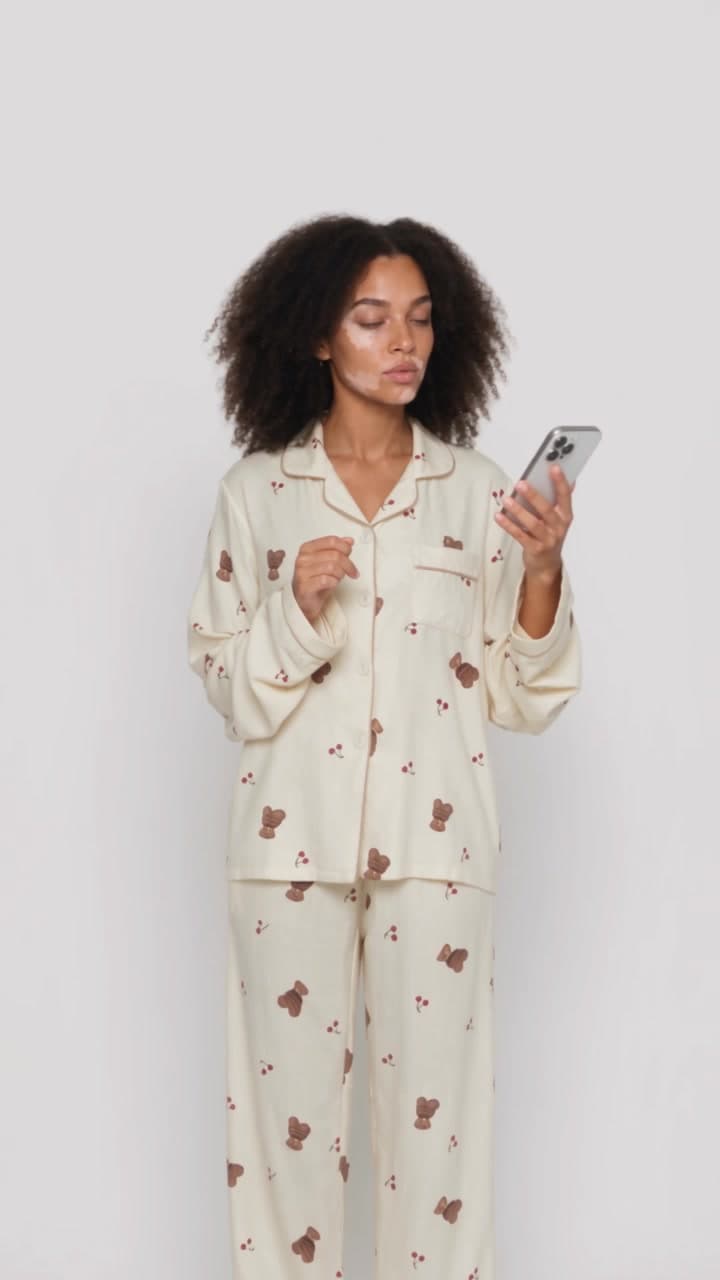
Upload a clear image for image-to-video, or start with text if the selected model supports it. For a product shot, make sure the important features are visible. For a person, choose a clean pose with enough space for the intended movement.
- 02
Describe the motion
Write what changes over time: the subject action, camera movement and movement in the environment. For a first attempt, try one restrained action and one camera instruction. Avoid asking a short clip to contain several locations or complex scene changes.
- 03
Review settings and generate
Select the duration and resolution offered by the chosen model, then review the credit quote. After generation, watch the entire clip for face changes, shifting product labels, unstable edges or unwanted camera movement before downloading.
Image-to-video starts with the frame
A source image already communicates appearance, layout and lighting. Use the prompt to direct motion instead of describing everything in the picture again. A gentle camera push, a small head turn or moving fabric can be a useful first experiment. Extreme rotation can reveal details the source image never showed.
Text-to-video starts with the scene
When there is no starting image, describe the subject and setting as well as the action. Establish one shot and a clear visual direction. If a particular face, garment or product must stay recognizable, creating and approving a still image first can make the next step easier to control.
Choose settings for the experiment
Supported durations, resolutions and input types vary by model. Start with a short clip to evaluate the movement before committing more credits to a longer version. A higher resolution will not fix an unclear action or inconsistent composition; improve the direction first.
A restrained image-to-video prompt
Slow camera push toward the perfume bottle. Soft light moves gently across the glass. The bottle stays upright and stationary, the background remains still, and the label stays unchanged. One continuous shot.
Treat preservation instructions as direction, not a guarantee. Inspect the label and bottle shape across the whole clip.
Read the image-to-video prompt guide with six starting prompts.
Questions before you create
Can Twisty animate a still photo?
Yes. Use an image-to-video model in the video studio, upload your starting image and describe the movement you want.
How long can my AI video be?
Duration options depend on the selected model. The video studio shows the available durations and credit cost before generation.
How is video generation different from Copycat?
Use video generation to describe motion in words. Use Copycat when an existing reference clip provides the movement you want to guide the result.