Turn an idea into an image.
AI Image Generator from Text & Photos
Twisty is an AI image generator for creating visuals from a text prompt or a reference photo. Make portraits, product concepts, fashion editorials and social content, then continue editing or turn your image into video in the same workspace.
Generation uses credits. Review the cost in the studio before you create.
How to get started
- 01
Start with words or a reference
Describe the subject, setting and look you want. If the image needs to follow a particular person, object or visual direction, upload a reference you have permission to use. A clear, well-lit reference makes the intended details easier to communicate.
- 02
Choose your settings
Pick an available image model and an aspect ratio that suits the destination. Use a portrait composition for vertical social content, a square for a product concept, or a wider frame for a campaign visual. Check the credit quote before generating.
- 03
Refine the useful result
Review faces, hands, labels and edges at full size. Keep the image that best fits the brief, use the editor for specific changes, and download your result. You can also use that image as the starting point for a video.
Text-to-image or a reference photo?
Text-to-image is useful when you are exploring a new concept without a source photograph. A reference image is useful when composition, appearance or an existing object matters. References guide a generation; they do not guarantee an exact copy or perfect identity preservation. Check the result before using it in a campaign.
Build a prompt around visible decisions
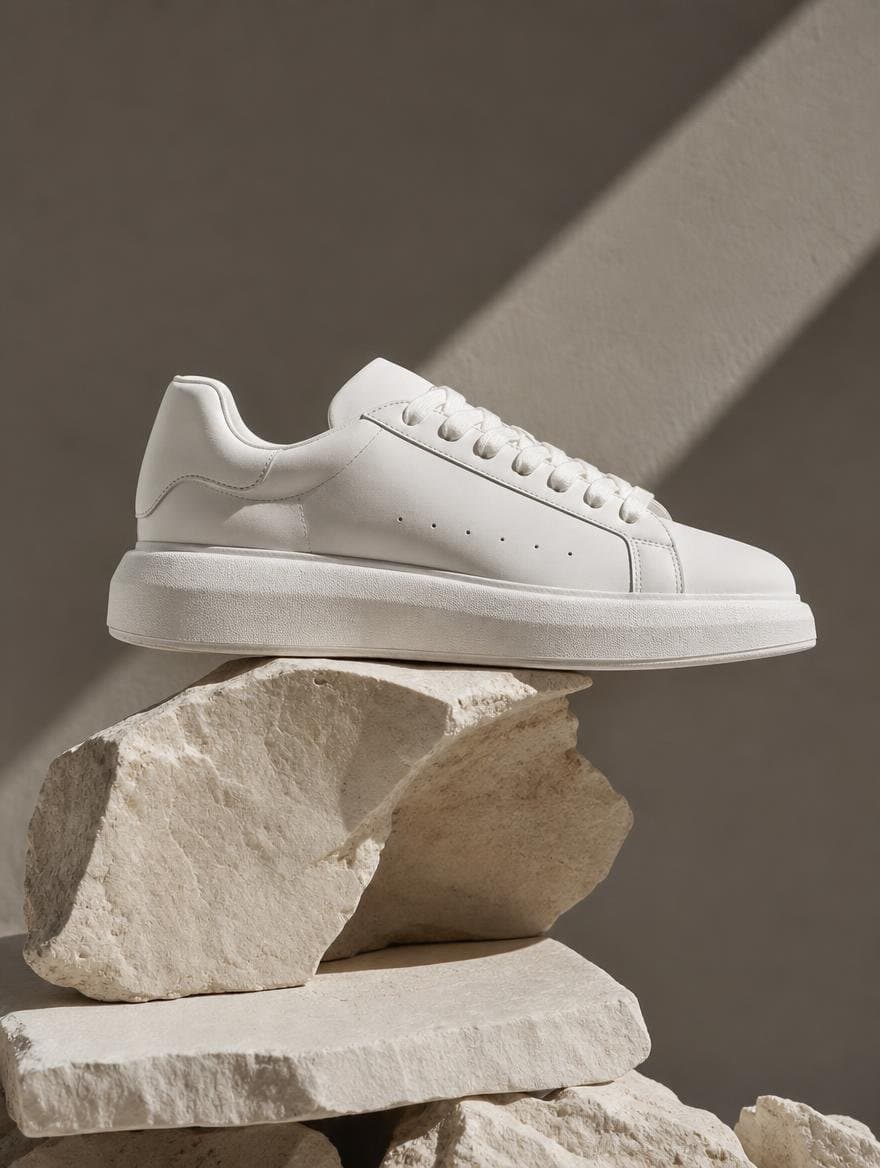
Start with the subject, then specify the environment, lighting, framing and material details. A ceramic bottle on a stone shelf under soft window light gives the model more direction than a list of words such as stunning or professional. Change one part of the brief at a time so you can judge what helped.
From product idea to a coherent visual
For product concepts, describe the surface, camera angle, empty space and background. For fashion, specify the garment, pose and lighting. For portraits, describe framing and expression. Keep essential packaging, logos and text under human review: generated details can differ from the original.
Product photography prompt to adapt
A frosted glass perfume bottle on warm travertine, soft window light from the left, subtle shadow to the right, neutral beige background, close product photography, generous empty space above the bottle, no added lettering.
This is a starting prompt, not a promise of a particular output. Add your product reference and check the bottle shape and label after generation.
Questions before you create
Can I generate an image without uploading a photo?
Yes. Start with a text prompt in the image generator. You can add a reference photo when you want to guide the appearance or composition.
Do I need to write a long prompt?
No. A short prompt with a clear subject, setting, lighting and composition is a useful starting point. You can also start from a style in Twisty and adapt it.
Is Twisty image generation free?
Generation uses Twisty credits. Available plans and included credits are shown on the Pricing page; the cost of a run is shown in the studio before you generate.